Trace
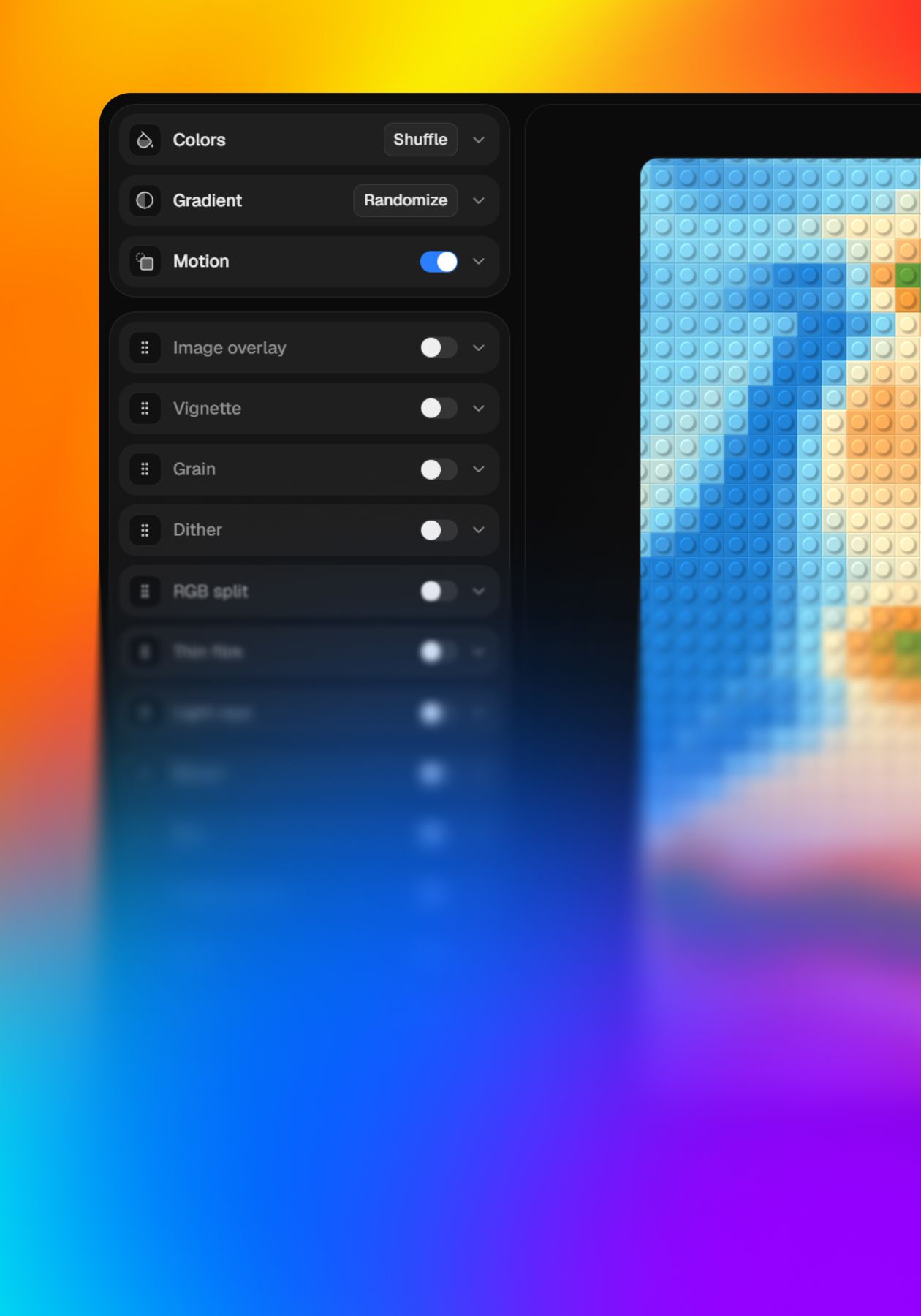
A PNG to SVG converter that traces real vector paths. It traces the shapes in the artwork rather than wrapping the pixels in an SVG, so what comes out are paths you can open in Figma or Illustrator and edit. The tracing runs on your device, with no queue and nothing uploaded. Before it traces, it works out the flat colours the artwork is really made of, which keeps a logo's navy one navy instead of three near-identical ones spread across the letters. A plain background can be removed, by a flood fill from the edges, so a white shape inside the logo keeps its white. Edges can be curves, straight lines or pixels, corners and smoothing are yours to set, and shapes can stack the way you would draw them or be cut out as separate pieces with no overlaps. Afterwards you can hide a colour or change it, compare against the original, look at the bare outlines, trim to the artwork, then download the SVG or copy its code, with no account.
- Made by
- Kosta Motresku
- Categories
- SVG, Images, Icons
- Platforms
- Web
- Pricing
- Free
- Added
- 16 September 2026